Smile and Click 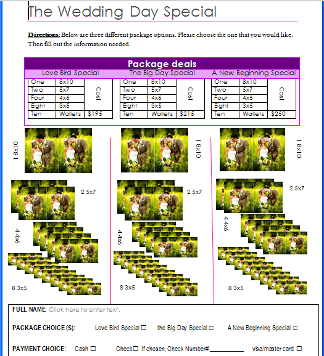 This project was to show how to use different parts of microsoft word. I did this project by using tables, text boxes, copy & pasting images, and the developer tab. I learned how to set up a form.
Magazine Spread 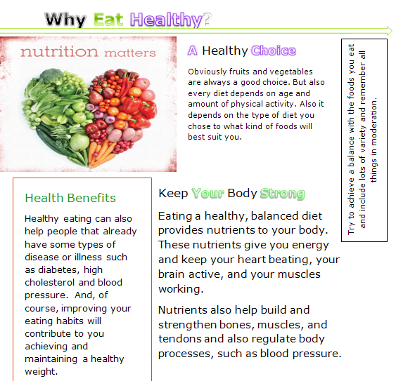 To do this project we had a Magazine page pulled up, and we mimicked everything on the page by using what we had in microsoft word.While doing this I learned how to better format a magazine page. And to use a theme.
Online Survey 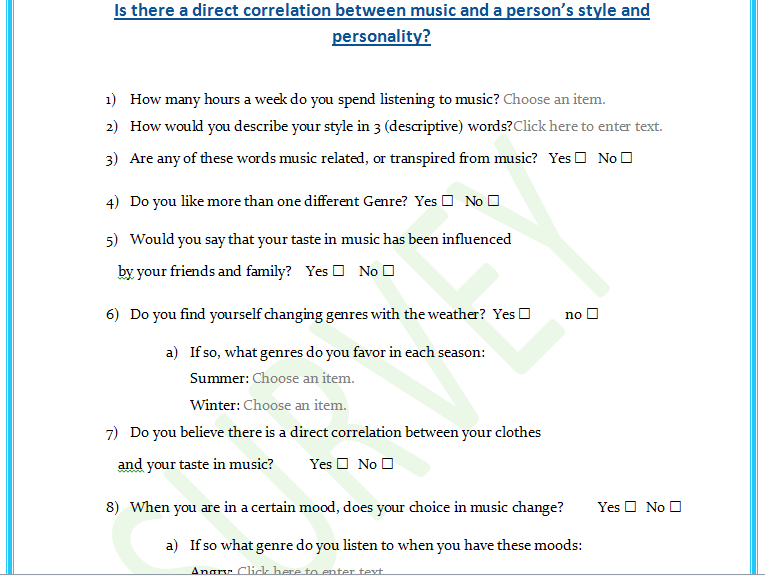 The point of this project was to show how to use the developer tabe, and a smoother and quicker way to make a survey. To make this, I used numbering, and the developer tab to make boxes to check and so that the students could chose from multiple choice questions instead of short answer.
| Career Brochure 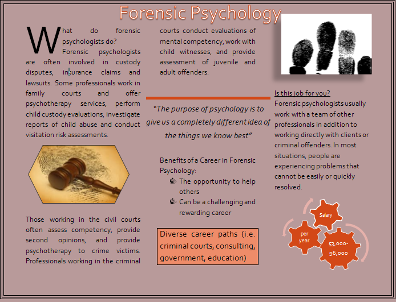 This project was to show us how to take information found on the internet and put it in a landscape/brochure format. I used smart art to show the salary in the bottom left hand corner. Also we added quotes and emphasized certain parts of the paper to draw attention to that area. I learned the best way to make a brochure visually appealing.
What is STS? 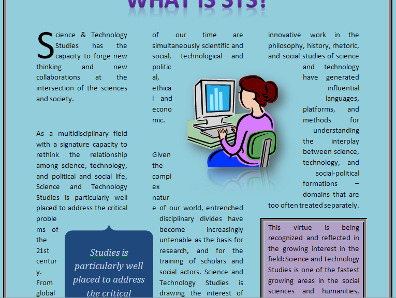 This assignment was to show how to do text wrapping, insert quotes using quick parts, and how to outline an important part of the paper to draw attention to it.
|

